Download ETV PRO now and Get a 3-day free trial

What is ETV PRO?
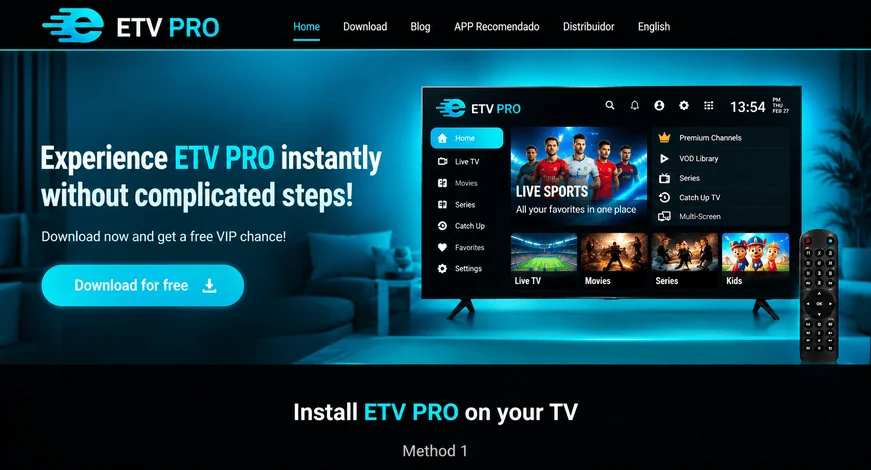
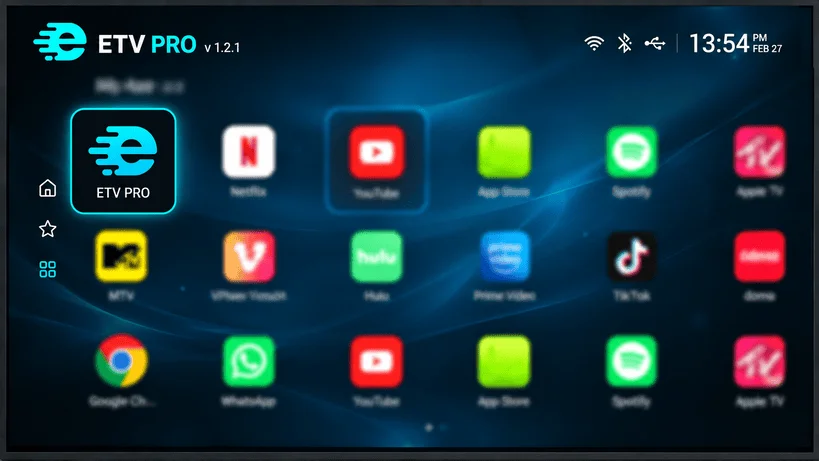
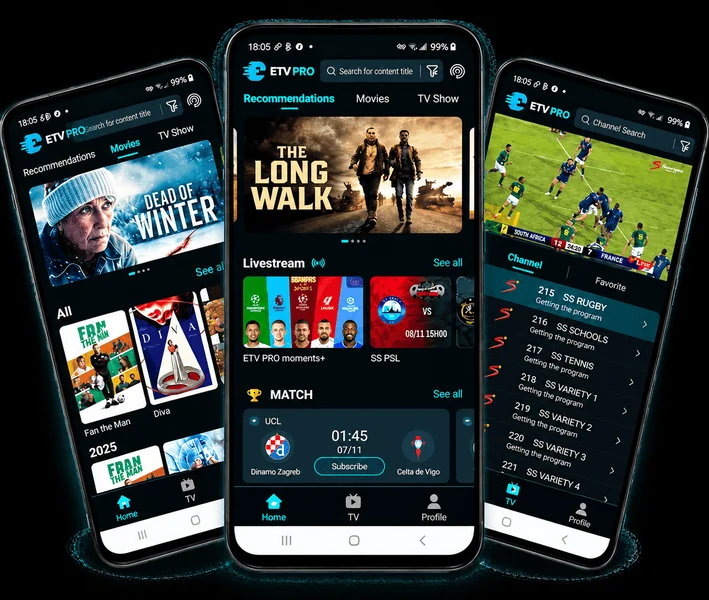
ETV PRO is a premium IPTV streaming service that gives you access to thousands of live TV channels, movies, and series from around the world. Enjoy high-quality content including sports, entertainment, news, and Africans channels, all in one place.

Compatible Devices
Our service works perfectly on multiple devices including Android smartphones, Android TV, TV Boxes, and TV Sticks. This means you can watch your favorite content anytime, anywhere without limitations.

Mobile Version

Download

Android TV

Download

TV Box

Download

TV Stick

Download

Download ETV PRO on your TV

Method 1: Install via Downloader

Step 1:

First, download “Downloader app” on your TV, as shown in the picture

Step 2:

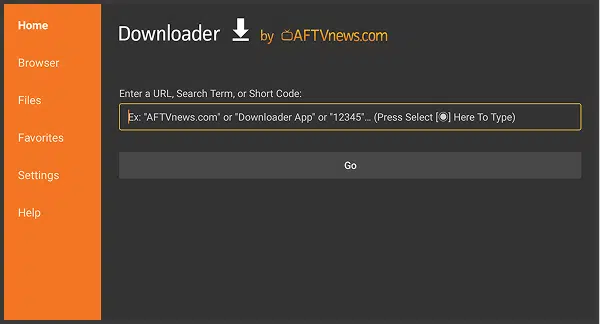
Open “Downloader”, enter the download link “https://23s.tv/etvpro.html”
or the number ‘875330’, then click “GO”

Step 3:

Wait for the download to complete, then click install, and after the installation is finished, you can open it to use ETV PRO.

Method 2: Install via USB Drive

2025072202305787

Step 1:

OTG download

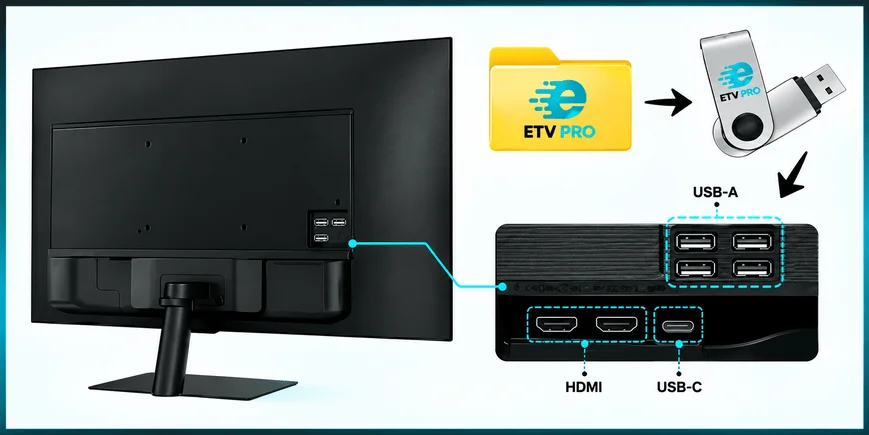
1. Open the ETV PRO website: www.etvus.com, and download the ETV PRO app; Find the file in the download folder on your computer and save it to a pen drive.

Step 2:

Insert the pen drive into the TV box. Go to the corresponding folder, select the file and install it

2025072202323511.png
2025072202325136

Step 3:

After installing ETV PRO, you can start using ETV PRO.

How to Download ETV PRO on Your Mobile

Method 1: Install via Downloader

2025111008063222.png

Step 1:

Open Your Browser
Tap the link below to download the app directly:
https://23s.tv/etvpro.html

Step 2:

Enable Installation from Unknown Sources
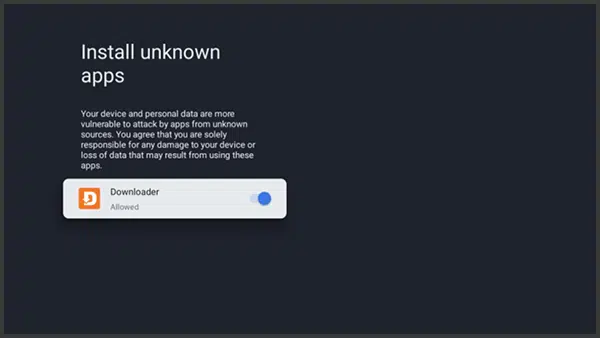
Go to Settings > Security > Install unknown apps

Step 3:

Open the downloaded file and tap Install.